Address
304 North Cardinal
St. Dorchester Center, MA 02124
Work Hours
Monday to Friday: 7AM - 7PM
Weekend: 10AM - 5PM
Address
304 North Cardinal
St. Dorchester Center, MA 02124
Work Hours
Monday to Friday: 7AM - 7PM
Weekend: 10AM - 5PM
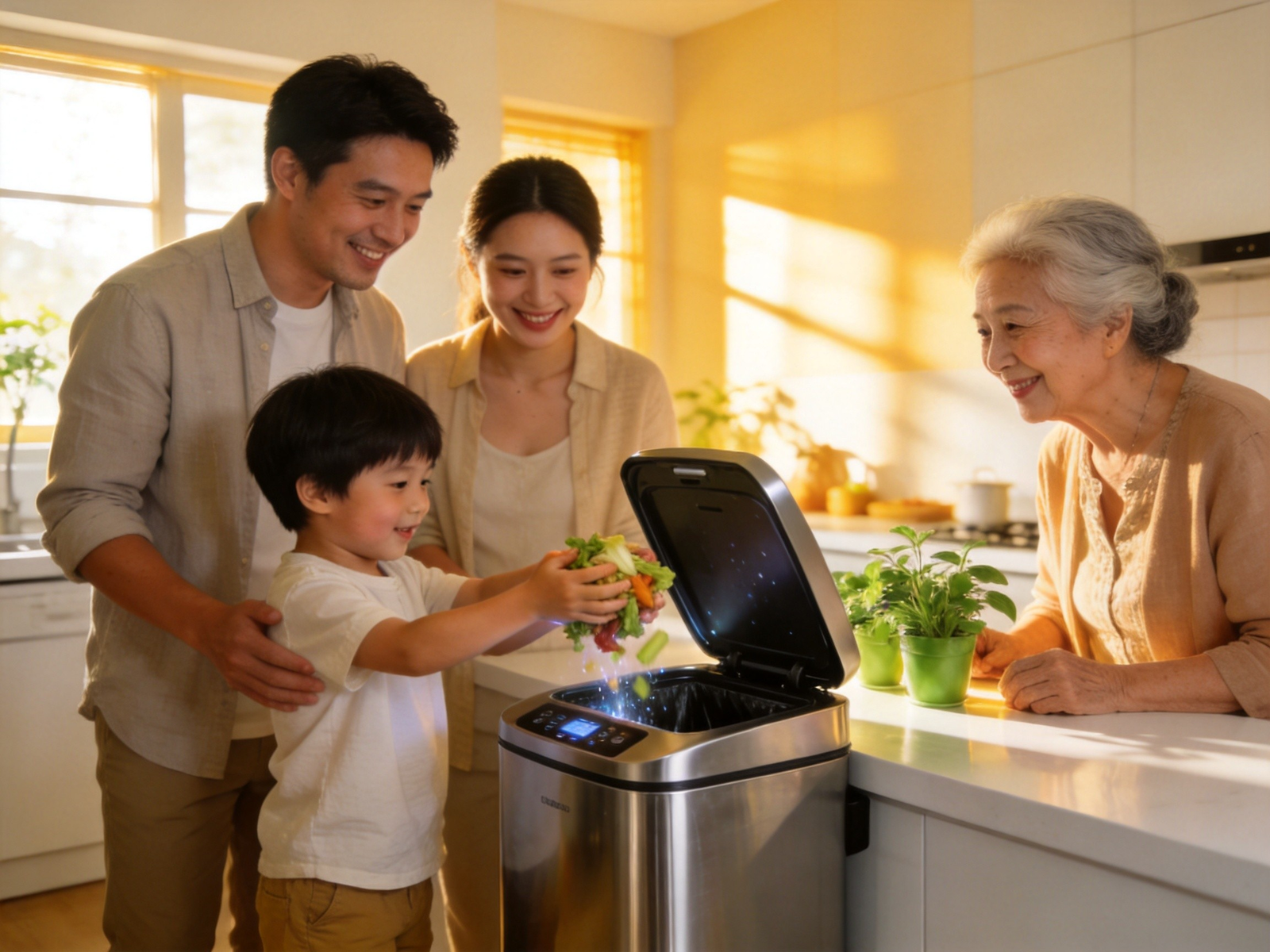
You brought home a smart sensor trash can. The unboxing was exciting, the setup was straightforward, and the automatic lid is genuinely impressive. But a week later, you notice something: not everyone in your household is using it the way it’s designed to be used.
Your toddler waves their hands in front of the sensor like it’s a magic trick. Your parents-in-law keep reaching for a lid that doesn’t need to be touched. Your teenager kicks the base trying to trigger it like an old foot-pedal bin. And guests? They stand in front of it, confused, while holding a dripping plate of scraps.
Sound familiar?
A smart sensor trash can is one of those upgrades that seems intuitive — but the reality is that different family members bring different habits, expectations, and physical capabilities to the interaction. Getting everyone on the same page takes a little intention.
This guide walks you through practical, age-specific strategies for training every member of your household — from curious kids to skeptical seniors to one-time visitors — to use a smart sensor trash can correctly, confidently, and hygienically.
You might be thinking: “It’s a trash can. How complicated can it be?”
More complicated than you’d expect — especially when you factor in decades of muscle memory. Most people alive today have spent their entire lives interacting with trash cans that require physical force: push a lid, press a pedal, or swing a door. A touchless sensor bin fundamentally changes that interaction pattern. And changing deeply ingrained motor habits takes conscious effort.
Beyond the learning curve, proper use directly impacts three things that matter to your household:
For a deeper understanding of why touchless operation matters for household health, see our Cross-Contamination Reduction Guide.
Every household is different, but smart trash can training challenges tend to fall into four categories. Understanding which profiles are in your home helps you tailor your approach.
表格
| User Profile | Common Challenge | Key Training Focus |
|---|---|---|
| Young children (ages 3–8) | Curiosity-driven sensor play; inconsistent approach distance | Fun framing + consistent distance habits |
| Older children & teens (9–18) | Treating it like a foot-pedal bin; lack of attention to lid closure | Quick demo + explanation of how the sensor works |
| Seniors (65+) | Uncertainty about how to trigger it; fear of breaking it; mobility limitations | Patient walkthrough + optimal placement adjustments |
| Adults & guests | Reaching for the lid out of muscle memory; confusion about manual override | Brief verbal cue + demonstration |
Let’s break down each group with specific, actionable strategies.
Children are naturally fascinated by smart trash cans. The lid opening “by itself” feels like magic — which is great for engagement, but it also means they may treat the sensor as a toy rather than a tool.
The single most important habit for kids to learn: walk up to the trash can, let the lid open, drop the waste in, and step back so the lid closes. Practice this sequence together 3–5 times over the course of a day.
Tips for making it stick:
Kids love waving their hands in front of the sensor repeatedly, watching the lid open and close. While adorable in the moment, this drains batteries and wears the motor mechanism over time.
Set a clear, simple boundary: “The trash can isn’t a toy. It opens for real trash only.” If the behavior continues, redirect: “Let’s go wash your hands instead of playing with the bin.” Consistency over a few days is usually enough to establish the rule.
For additional tips on keeping children safe around kitchen equipment, check our Baby-Proofing Your Kitchen Trash Can Guide.
Older kids and teenagers generally pick up the mechanics quickly. Their main issue isn’t confusion — it’s inattention. They’re used to kicking a pedal or shoving a lid open while multitasking, and they’ll try to apply the same approach to a sensor bin without adjusting.
For this group, a single clear demonstration is typically all you need:
That’s it. Most teens will absorb this in one viewing.
Some teens might complain that the sensor takes a fraction of a second to respond. Acknowledge this: “It’s about a third of a second — just pause briefly and it opens.” Explain that the slight delay is intentional: it prevents false triggers from people just walking past the bin.
If response time is a genuine concern for your household, you may want to review our Sensor Optimization Guide for tips on maximizing detection accuracy.
Teens respond better when they understand the why behind a rule. Briefly explain: “Touching the lid means you’re touching everything that’s been in the trash — raw meat packaging, dirty diapers, who knows what. Then you touch your phone, your face, your snacks. The sensor keeps that gunk off your hands.”
This hygiene angle usually resonates. It’s not about following rules — it’s about not touching trash germs.
Older adults may have the most difficulty adjusting to a smart sensor trash can, not because of cognitive limitations, but because of decades of deeply ingrained habits combined with potential concerns about damaging unfamiliar technology.
When introducing a senior family member to a smart trash can:
Seniors often worry about:
If a senior family member has mobility limitations, the trash can’s placement matters even more. Ensure the bin is positioned where they can approach it comfortably — not behind a kitchen island they need to navigate around, and not in a corner where wheelchair access is tight.
For detailed guidance on optimal trash can positioning throughout your home, see our Sensor Trash Can Placement Guide.
Guests won’t need extensive training, but a quick orientation prevents the awkward hovering that happens when someone encounters an unfamiliar trash can for the first time.
When guests are in your kitchen and need to dispose of something, offer a simple two-sentence briefing:
“Just hold your hand near the top — the lid opens automatically. You don’t need to touch it.”
That’s it. Most guests will immediately understand and appreciate the convenience. Many will comment on how nice the smart trash can is — which is your chance to share what a great upgrade it’s been.
If you host frequently — dinner parties, holidays, family gatherings — consider placing a small, tasteful sign near the trash can area. Something minimal:
Sensor-Activated
Approach to open • Hands-free
This eliminates the need to brief every single guest individually. It’s especially helpful during large gatherings where you can’t personally guide everyone.
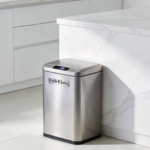
Guests often can’t immediately identify a smart trash can because it doesn’t look like what they expect. If someone asks, simply say: “See that stainless steel bin by the counter? That’s the trash — just wave your hand near the top.”
Even with good instruction, some issues may come up. Here’s how to handle them:
表格
| Problem | Likely Cause | Solution |
|---|---|---|
| Lid opens constantly with no one approaching | Sensor detecting motion from nearby activity (ceiling fan, pets, foot traffic) | Reposition the bin away from high-movement zones; check our Placement Guide |
| Family member keeps touching the lid manually | Old muscle memory from previous trash can | Gentle reminder: “Just hold your hand near the top!” — consistency over 1–2 weeks |
| Child waves hands repeatedly at sensor | Curiosity / treating as toy | Set clear boundary; redirect to another activity; consider locking the lid in manual mode temporarily |
| Senior avoids using the bin entirely | Fear of breaking it or not understanding it | Patient re-demonstration; show manual override; simplify explanation |
| Lid doesn’t close after use | Item blocking the sensor or bin overfilled | Teach family to step fully back; check bin fill level regularly |
| Multiple complaints about response time | Sensor sensitivity setting too low | Adjust sensitivity; review our Sensor Optimization Guide |
Training isn’t a one-time event — it’s the start of a routine. Here are some habits to establish for long-term smooth operation:
Once a week, take 30 seconds to verify:
Once a month, casually mention the proper use sequence — especially if kids have been getting lax about sensor play or family members have reverted to touching the lid. A light touch works best: “Remember, guys — wave and go. No touching!”
Every season, do a thorough cleaning of the entire bin — inside, outside, sensor area, and lid mechanism. Involve the whole family in age-appropriate ways. This reinforces that the trash can is a shared household system that everyone is responsible for maintaining.
For detailed cleaning and maintenance instructions, see our Smart Trash Can Maintenance Guide.
Once everyone in your home understands how to use the smart sensor trash can correctly, something subtle but significant happens: the trash can stops being a source of friction and starts being a source of satisfaction.
Kids feel proud that they can use it independently. Seniors appreciate the hygiene benefits and ease of use. Guests are impressed. And you — the person who chose this upgrade — get to enjoy the knowledge that your household is running a little more smoothly, a little more hygienically, and a little more efficiently.
The best smart home technology doesn’t announce itself. It simply works, quietly and reliably, making daily life a little bit better for everyone who uses it. A smart sensor trash can is exactly that kind of upgrade — once everyone knows how to use it.
For a comprehensive comparison of smart versus traditional options, check our Smart vs. Traditional Trash Can Comparison. And if you’re considering which model is right for your family, our K Series Buying Guide covers every option.